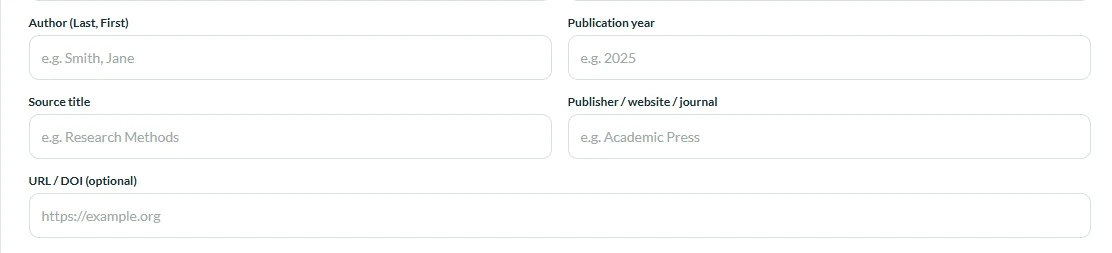
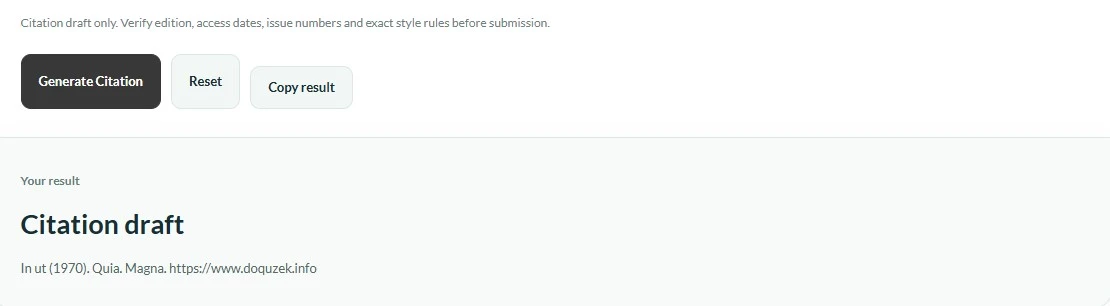
Our Citation Generator helps you create clear, properly structured academic references in just a few simple steps. Start by selecting your preferred citation style, such as APA, MLA, or Chicago, and enter the required source details, including the author’s name, publication date, and title. The tool will generate a formatted reference based on your information, saving you time and simplifying the citation process. Follow the steps below to create, review, and copy your citation, and always double-check the final formatting against your institution’s guidelines.